Tesla Roadster Chase Tools
Practical checklists and planners for cash, chases, and garage goals.
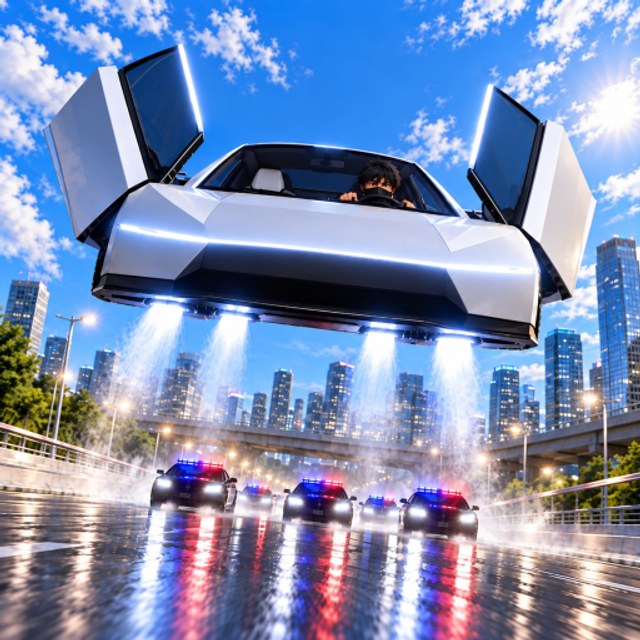
The Tools Hub turns Tesla Roadster Chase advice into repeatable checklists you can run every session. These tools are lightweight planning aids — not executors. For scripts, visit the Scripts Hub. For strategy depth, use Guides.
Tool 1 — Session cash planner
Use this before you redeem a multiplier or start a long farm:
- Note current cash and next Speed / Jets / Handling price in the garage.
- Redeem any live codes first.
- Choose a cash source: quest/race (safer) or police heat (riskier).
- Set a stop target: “buy one Speed upgrade” or “bank 50% toward Jets.”
- End the session when the target hits — avoid tilting into crash loops.
Pair with the Upgrades Guide so the target matches the meta order.
Tool 2 — Pre-chase checklist
Print this mentally before you pull heat:
- Camera comfortable (Controls)
- At least one highway exit memorized (Map Shortcuts)
- Jets button reachable (mobile)
- Handling not completely neglected
- Plan for vision break, not only straight Speed
If three boxes fail, practice without cops for five minutes first.
Tool 3 — Escape decision card
When sirens start, pick one:
| Situation | Decision | Next read |
|---|---|---|
| Single cop, open road | Gap on highway, then exit | Escape Police |
| Forward roadblock | Median hop or side arterial | Map Shortcuts |
| Multi-cop box | Cut to emptiest sector, then disappear | Escape guide |
| Low on upgrades | Short escape, bank cash, buy Speed | Tier List |
Tool 4 — Upgrade tracker sheet
Keep a simple count per account:
- Speed ticks owned: __
- Jets ticks owned: __
- Handling ticks owned: __
- Last code redeemed: __
- Last patch felt different? Y/N → check Updates
After every two Speed ticks, add Jets or Handling before continuing Speed-only tunnels.
Tool 5 — Event day playbook
On Admin Abuse or UPDATE drop days:
- Read Updates for the headline feature.
- Redeem codes immediately.
- Play manually during live developer chaos.
- Test one familiar route for AI changes.
- Only then experiment with scripts on an alt.
Tool 6 — FPS / clarity quick fix
If chases feel unreadable:
- Lower graphics until curb edges stay smooth
- Unequip noisy trails
- Widen camera on highways, tighten in alleys
- Confirm audio sirens are audible
Clarity is a tool — it prevents “upgrades feel useless” complaints that are actually frame drops.
How these tools connect
Cash planner feeds the upgrade tracker. Pre-chase checklist feeds the escape decision card. Event playbook protects both on patch days. Together they recreate what strong players do instinctively.
What this hub is not
It is not a Robux generator, not a guarantee of wins, and not an official North & Co. Games product. Tesla Roadster Chase remains a fan-made Roblox experience unrelated to Tesla Motors.
When you outgrow checklists, graduate to advanced route crafting in Map Shortcuts and heat control in Escape Police. Come back to Tools whenever a patch resets your habits.
Frequently Asked Questions
Quick answers for Tesla Roadster Chase players.
What tools does this Tesla Roadster Chase wiki offer?
Session cash planners, pre-chase checklists, escape decision cards, upgrade trackers, and event-day playbooks — practical aids, not executors.
Are these tools the same as scripts?
No. Tools here are planning checklists. Scripts and loadstrings live on the Scripts Hub with separate safety warnings.
How do I use the cash planner?
Redeem codes, pick a cash source, set one upgrade target, and stop when you hit it so you do not waste multiplier time.
What should I do on update day?
Follow the event playbook: read Updates, redeem codes, play manually, test one route, then consider scripts only on an alt.