Tesla Roadster Chase Updates
Patch notes, events, and what changed for chases and rewards.
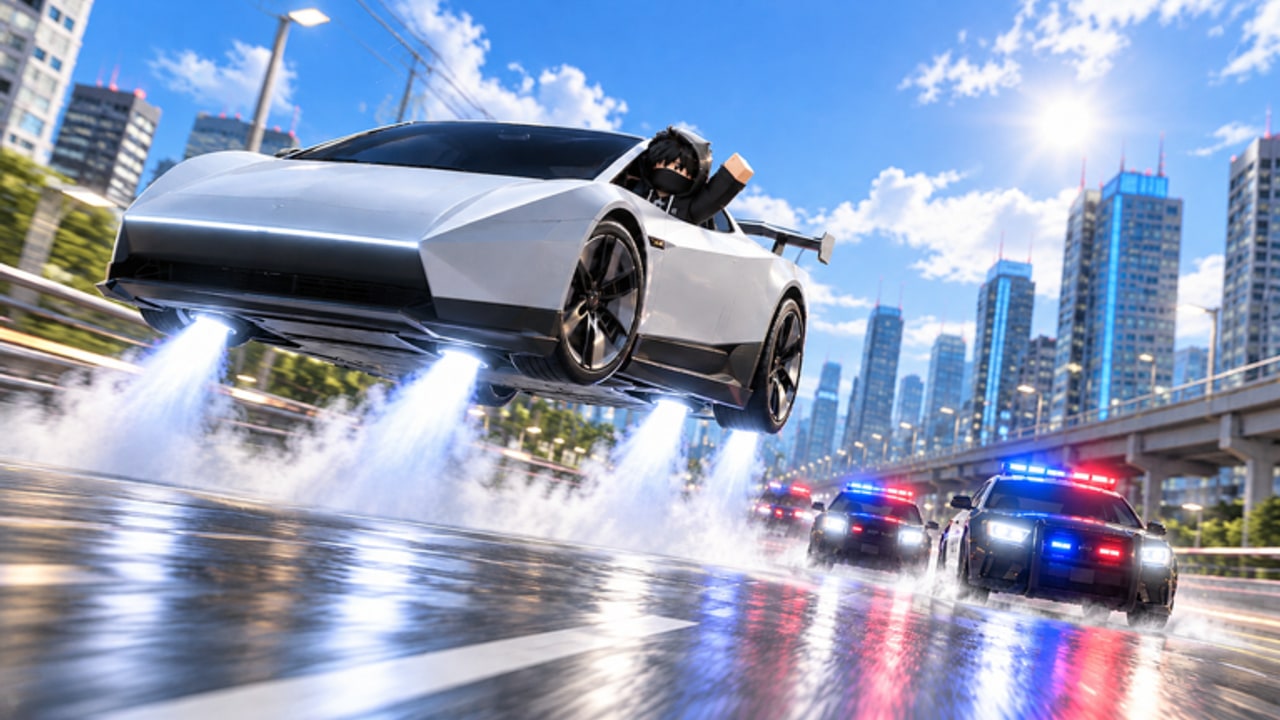
Stay current with the Updates Hub for Tesla Roadster Chase. North & Co. Games ships frequent patches — sometimes daily around major events — so codes, scripts, and police behavior can shift quickly. This page summarizes the live cadence as of mid-November 2026 and tells you which wiki pages to revisit after each drop.
Current highlight: UPDATE 1
UPDATE 1 rolled out around 7 November 2026 with a focus on Racing, Quests, and More. The event window was tracked through 14 November 2026. Practically, that means:
- Structured racing playlists as an alternate cash source beside police heat
- Quest objectives that steer you across the city map
- Extra reasons to keep a balanced garage instead of only maxing one stat
If you only chased cops before UPDATE 1, add one racing session and one quest clear to your routine from Getting Started. Spend new payouts using the Upgrades Guide.
Upcoming / rotating: Admin Abuse UPDATE 2
Community trackers listed ADMIN ABUSE UPDATE 2 for 14 November 2026 around 18:00–19:00 UTC (about one hour — times can slip). Full prep and survival steps live on the dedicated Admin Abuse Guide. Expect:
- Developer-driven chaos, giveaways, and limited trails
- Spiky player counts and unstable servers
- Fresh codes such as recent
IWASHEREandROADSTERADMIN1waves - Higher script breakage and moderation attention
Play manually during live Admin Abuse. Save automation experiments on the Scripts Hub for quieter weekdays. For structured cash after the burst, use Racing and Quests.
Release snapshot
| Fact | Detail |
|---|---|
| Developer | North & Co. Games |
| Platform | Roblox |
| Created | 21 October 2026 |
| Genre | Simulation / Vehicle Sim |
| Server size | 16 |
| Place ID | 122379697375766 |
| Universe ID | 10772217708 |
Visits sit in the multi‑tens of millions with thousands of concurrent players at peak hours. Expect crowded highways during event nights.
What to recheck after every patch
- Codes Hub — new strings and expirations
- Scripts Hub — loadstring status and kick reports
- Tier List — if Speed/Jets/Handling costs or feel changed
- Escape Police — AI aggression changes
- Map Shortcuts — blocked ramps or new props
How we write update notes
We prioritize player-facing changes: rewards, modes, controls, and chase feel. We skip fluff. When official notes are thin, we corroborate with community trackers and in-game checks. This wiki remains unofficial.
Suggested post-update session
- Redeem any new codes.
- Complete one UPDATE quest or race.
- Test a familiar escape route for AI changes.
- Buy at most one garage upgrade based on the feel test in the upgrades guide.
- Stop before tilt — patches can feel harsh on day one.
Historical cadence
From late October through early November 2026 the game updated often (multiple times per week). Player counts spiked around UPDATE 1 then cooled as the event aged — normal for Roblox launches. Use downtime to practice Controls and routes instead of forcing broken scripts.
Official destinations
Use the Official Links page for the Roblox experience and group. Announcements there beat random social screenshots.
Keep this Updates Hub bookmarked with Codes. Together they answer “what changed?” and “what can I claim?” within minutes of logging in.
Frequently Asked Questions
Quick answers for Tesla Roadster Chase players.
What is UPDATE 1 in Tesla Roadster Chase?
UPDATE 1 added racing, quests, and related content around 7 November 2026, giving structured cash routes beyond pure police chases.
What is Admin Abuse UPDATE 2?
It is a developer event window tracked for mid-November 2026 with chaos gameplay, possible codes, and limited rewards. Confirm live times on official channels.
How often does Tesla Roadster Chase update?
During its launch month the game patched very frequently, sometimes daily around events. Always recheck codes and scripts after you notice a new version.
Where should I go after a patch?
Check Codes, test one escape route, then spend new cash with the Upgrades Guide. Avoid unverified scripts on patch day.